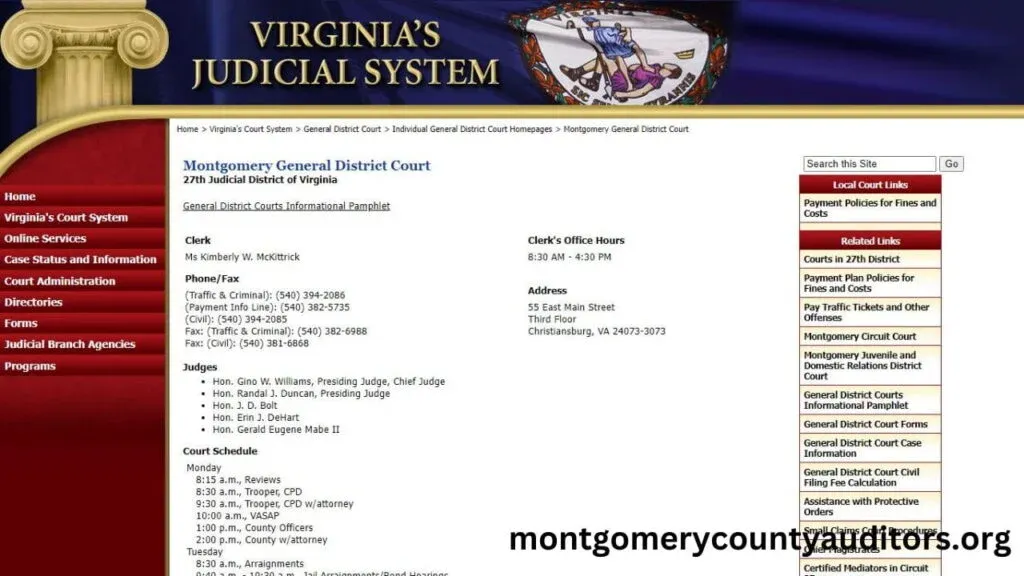
Understanding which judge is assigned to a court case is an important step for anyone involved in the Montgomery County court system. Whether the case involves criminal charges, civil disputes, traffic offenses, probate issues, or domestic relations matters, knowing the assigned judge allows parties to prepare properly, follow courtroom procedures, and stay updated on scheduling changes.
The Montgomery County Clerk of Courts provides reliable tools that allow the public to look up judge assignments online. This guide explains how judge assignments work, how to search them accurately, and what to do if the judge changes during the case.

Why Judge Assignment Information Matters
Judge assignment plays a major role in how a case progresses. Each judge has a specific courtroom, schedule, and procedural preferences. Knowing the assigned judge helps you:
- Understand where your hearings will take place
- Track case updates and upcoming court dates
- Review the judge’s prior rulings or courtroom guidelines
- Communicate accurately with legal representatives
- Prepare according to that judge’s expectations
For attorneys and defendants, judge assignment can influence strategy, motion filings, and scheduling. For the general public, it is simply a way to stay informed about the case status.
How Judge Assignment Works in Montgomery County
Montgomery County assigns judges based on the type of case and the division handling it. Each court division has its own scheduling and distribution process.
1. Common Pleas Court (General Division)
This includes criminal felony cases and large civil cases. Judge assignments are typically made at the time of case filing and remain consistent unless reassigned due to conflict or recusal.
2. Municipal Court
Traffic cases, misdemeanors, and small civil disputes fall under Municipal Court. Assignments may rotate more frequently depending on the docket load.
3. Domestic Relations Court
Cases involving divorce, custody, and child support have designated judges who oversee family law matters. These assignments tend to be stable throughout the case duration.
4. Probate Court
Probate cases, including estates, guardianships, and wills, are handled by the Probate Judge or Magistrates working under that judge.
Assignments depend on court workload, case type, and administrative processes. The online lookup tool helps track these changes easily.
How to Look Up Judge Assignments Online
Montgomery County provides a public case search platform that lists judge assignment details for nearly every case type.
1. Start by Accessing the County Case Search System
The online case database allows you to search using:
- Case Number
- Party Name
- Business/Organization Name
- Attorney Information
- Citation Number (traffic cases)
Using the case number gives the most accurate results.
2. Open the Case Details Page
After locating your case, open the detailed case view. This section typically displays:
- Assigned Judge
- Courtroom Number
- Case Status
- Hearing Dates
- Docket Updates
Judge information is usually listed near the top of the case summary.
3. Review the Judge Assignment Section
This section indicates:
- Current assigned judge
- Date the judge was assigned
- Any previous judge assignments
- Reason for reassignment (if available)
If the judge changes later in the case, the most recent assignment will appear at the top.
4. Track Regular Updates
Judge assignment can change due to:
- Recusal
- Scheduling conflict
- Administrative reassignment
- Case consolidation
Checking the online docket regularly helps you stay aware of any changes that could impact hearing times or courtroom locations.
How to Interpret a Judge Assignment Record
Judge assignment records may include several important details:
Assigned Judge Name
This tells you the full name of the judge currently handling the case.
Court Division
Identifies whether the case is in Municipal, Common Pleas, Domestic Relations, or Probate Court.
Courtroom or Location
Shows where the hearings will take place, allowing proper planning before attending court.
Judge Changes or Reassignments
Some cases display a history showing which judges previously managed the case.
This information helps both individuals and attorneys prepare for upcoming court appearances.
What to Do If the Judge Assignment Changes
Judge changes can happen during the life of a case. If you notice a new judge assigned, consider the following:
Confirm Hearing Dates
A new judge may reschedule hearings that were previously set.
Review Court Communications
Any official notices should be reviewed carefully for updated instructions.
Notify Legal Counsel
If you have an attorney, they should be informed immediately of the reassignment.
Check Courtroom Location
Different judges may be located in different courthouse buildings or floors.
Judge reassignment is a normal administrative process, but it is important to stay informed to avoid missing deadlines or hearings.
Tips for Accurate Judge Assignment Lookup
- Always use the case number when possible
- Double-check spelling when searching by name
- Review the full case summary, not just the initial search results
- Check the docket for updates regularly
- Keep track of all future hearing notices
- Confirm courtroom addresses before attending in person
Following these tips ensures that you receive the most accurate and up-to-date information.
Conclusion
Locating judge assignment information in Montgomery County, Ohio, is a simple but essential part of managing or following a court case. Whether you are a defendant, plaintiff, attorney, or concerned family member, knowing which judge is assigned helps you stay organized, prepared, and informed. Through the county’s online case search system, you can quickly find judge details, track updates, and follow your case’s progress without needing to visit the courthouse. Staying updated on judge assignments ensures you never miss a hearing and allows you to plan your legal actions effectively.
FAQs: Montgomery County Ohio Judge Assignment Lookup
1. Are judge assignments public information in Montgomery County?
Yes, judge assignments are public and available through the online court case search system.
2. Can a judge assignment change during a case?
Yes. Assignments may change due to scheduling conflicts, recusal, or administrative decisions.
3. Do all case types list judge information online?
Most criminal, civil, domestic relations, and probate cases display judge details, except in limited confidential matters.
4. What’s the best way to look up the assigned judge?
Using the case number is the most accurate method.
5. Does the judge assignment affect hearing dates?
In some cases, yes. A judge change may result in modified scheduling, so it’s important to check for updates regularly.