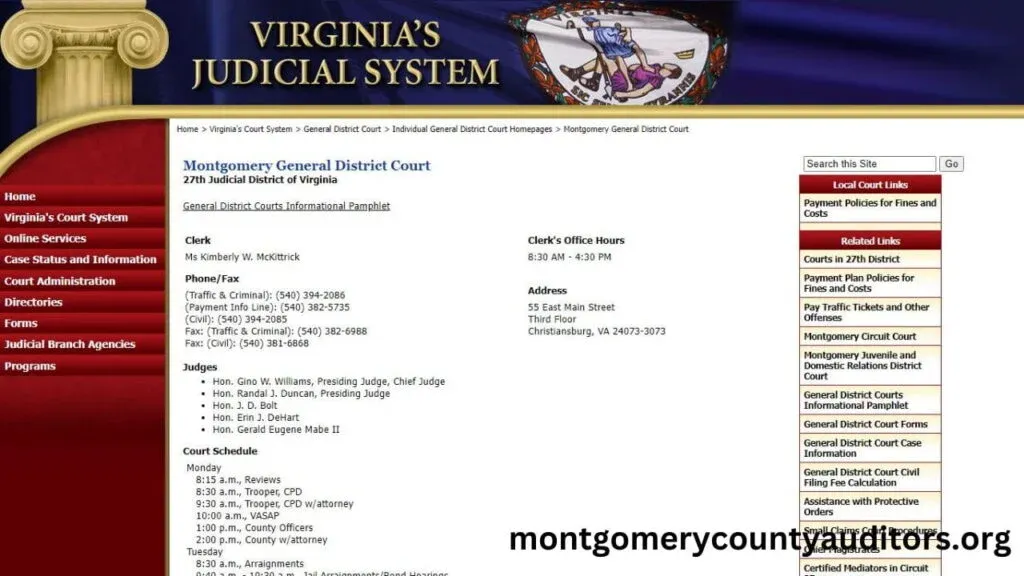
Navigating the court system can feel overwhelming, especially when trying to keep track of hearing dates, courtroom locations, and judge assignments. In Montgomery County, Ohio, the court system provides tools and resources that make it easier to check schedules, look up hearing details, and stay updated on your case. Whether you are a defendant, an attorney, a victim, or someone following a public case, understanding how to find court schedules is essential.
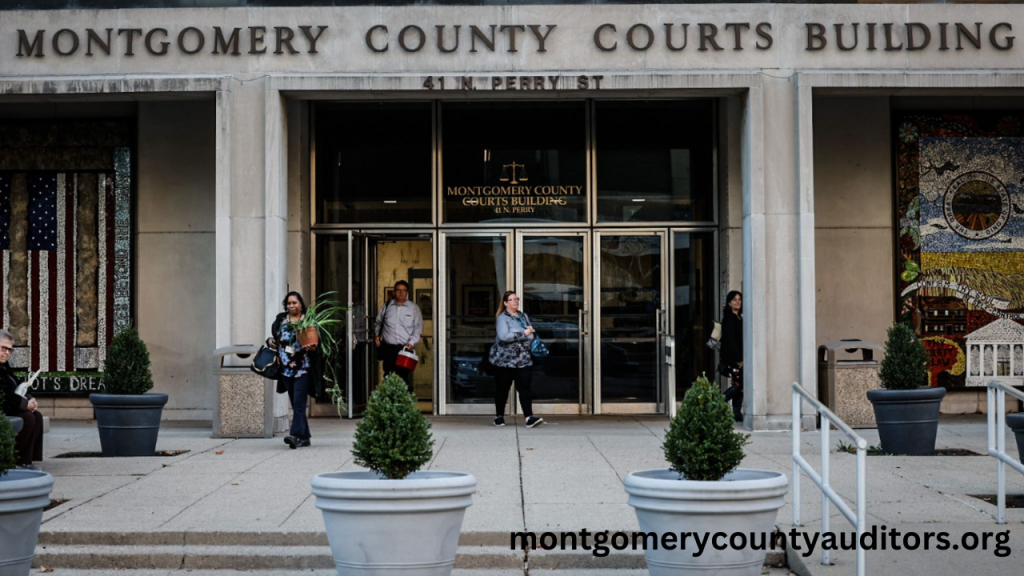
Understanding Court Scheduling in Montgomery County
Court scheduling refers to how Montgomery County courts assign dates, judges, and locations for different types of proceedings. These may include:
- Arraignments
- Pre-trial hearings
- Motions and status conferences
- Sentencing hearings
- Civil and criminal trials
- Probation hearings
- Traffic and misdemeanor proceedings
Each hearing is organized by the court clerk and added to the scheduling system or daily docket.
Types of Courts That Handle Hearings in Montgomery County
Different courts handle different types of cases, so knowing which court your case belongs to is the first step.
1. Montgomery County Municipal Court
Handles:
- Traffic tickets
- Misdemeanor cases
- Small claims
- Landlord/tenant disputes
- Preliminary hearings for felony cases
2. Montgomery County Common Pleas Court
Handles:
- Felony criminal cases
- Major civil lawsuits
- Appeals from municipal court divisions
3. Montgomery County Probate Court
Handles:
- Estates and wills
- Guardianships
- Name changes
- Trusts
Each court has its own scheduling process and hearing lookup tools.
How to Look Up Court Hearings in Montgomery County
1. Online Case Search Tools
Most courts in Montgomery County provide online search systems where you can:
- Look up your case by name or case number
- View upcoming hearing dates
- Check judge assignments
- Confirm courtroom locations
- Review the docket history
Online lookup tools are the fastest and most convenient way to find hearing details.
2. Daily Court Dockets
Courts publish daily dockets that list all hearings scheduled for that specific day. These dockets include:
- Defendant or party names
- Case numbers
- Hearing type (arraignment, trial, etc.)
- Judge or magistrate
- Time and courtroom number
Many people use daily dockets to confirm same-day schedules or check last-minute updates.
3. Clerk of Courts Office
You can visit the Clerk of Courts office in person for assistance. Clerks can:
- Print hearing schedules
- Help locate case details
- Answer questions about upcoming dates
- Provide official court notices
This is especially helpful if you need certified copies or cannot access online tools.
4. Phone Assistance
Some divisions allow users to call and request hearing information. You may need:
- Party name
- Case number
- Citation or ticket number (for traffic cases)
- Date of birth (sometimes for verification)
Phone lookups are useful for quick questions or when online systems are temporarily unavailable.
What Information You Can Find in a Hearing Lookup
A Montgomery County hearing lookup typically provides:
- Next scheduled hearing date
- Hearing type (pre-trial, sentencing, arraignment, etc.)
- Full case number
- Party names
- Judge or magistrate assignment
- Courtroom number and building location
- Hearing status (set, cancelled, continued)
- Past hearing activity on the docket
This information helps ensure that you never miss an important court appearance.
Why Court Scheduling Changes Frequently
Court schedules can change for several reasons, such as:
- Judge availability
- Attorney scheduling conflicts
- Motions to continue a case
- Discovery delays
- Emergency situations
- New evidence or plea negotiations
Because of these changes, it is important to check your hearing details frequently especially within 24 hours of the scheduled date.
Tips for Checking Hearing Schedules Successfully
- Use the case number whenever possible it gives the most accurate results.
- Double-check the schedule the day before court in case of last-minute changes.
- Arrive early to avoid long security lines and last-minute courtroom changes.
- Keep copies of court notices or summons in case you need verification.
- Call the clerk if something looks wrong or unclear in the docket.
- Use the correct court division many people search in the wrong court by mistake.
Following these tips ensures you stay organized and avoid unnecessary legal issues.
Why Hearing Lookups Are Important
Accurate hearing information protects your rights and prevents penalties. Missing a hearing can result in:
- Warrant issuance
- License suspension (for traffic-related cases)
- Additional fines
- Contempt of court charges
- Delays in your case
Reliable scheduling information helps defendants, attorneys, victims, and families stay informed and prepared.
Common Mistakes When Checking Court Schedules
- Searching the wrong Montgomery County court
- Entering incorrect spelling of names
- Not refreshing the docket after updates
- Assuming a case is closed when the docket shows future dates
- Looking for hearings that have not yet been scheduled
Avoiding these mistakes ensures accurate results.
Conclusion
Court scheduling and hearing lookups in Montgomery County, Ohio, are essential tools for staying informed about legal proceedings. Whether you use online case searches, daily dockets, phone assistance, or the clerk’s office, you can easily access hearing dates, judge assignments, and courtroom locations. Understanding how the scheduling system works and checking regularly for updates helps defendants, attorneys, and the public navigate the court system confidently and avoid missed hearings or legal issues.
Frequently Asked Questions
1. How can I find my next hearing date in Montgomery County?
You can look it up online, call the clerk, check the daily docket, or visit the courthouse.
2. Do court schedules change often?
Yes. Hearings are frequently rescheduled, so always verify dates close to the hearing.
3. Can the public check hearing schedules?
Yes. Most hearing information is public unless the case is sealed or involves juveniles.
4. What if I cannot find my case?
You may be searching the wrong division, spelling the name incorrectly, or the hearing may not be scheduled yet.
5. Does the daily docket show full case details?
No. It only shows hearing times, parties, and courtroom assignments not full case documents.